Room QR access
Guests scan the code in their room and open the hotel’s ordering and service experience in a supported browser.
 Retopos
Hotel room-service ordering
Retopos turns each room QR code into a browser-based guest service channel connected to the hotel kitchen, reception, billing, delivery team, and management view.
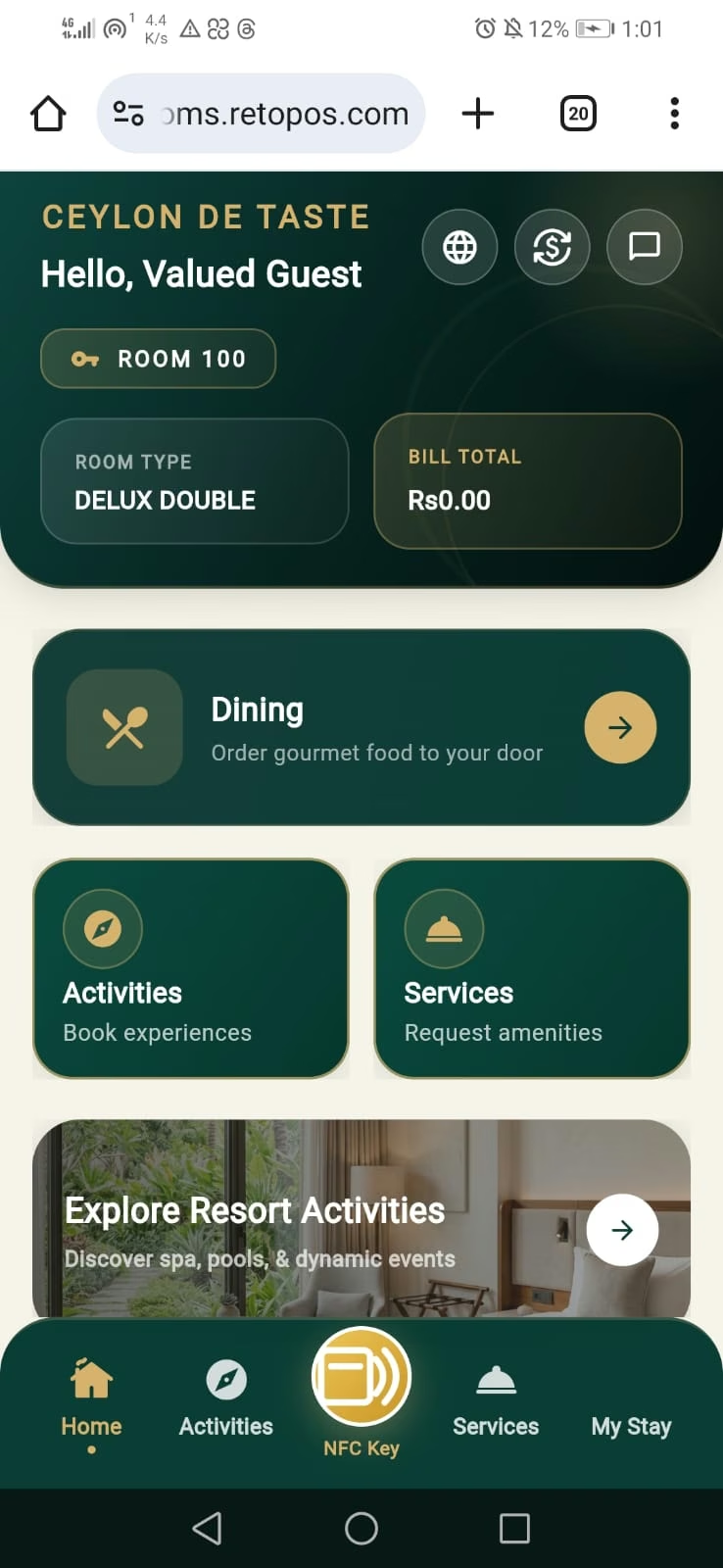
A digital guest service channel
Give guests a simple browser experience while keeping every food order and request visible to the staff responsible for preparing, delivering, billing, or responding.
Guests scan the code in their room and open the hotel’s ordering and service experience in a supported browser.
Present available room-service items and options while keeping each submitted order associated with the correct room.
Let guests request assistance from their phone without waiting in a reception or telephone queue.
Provide a direct path for guests who need to contact reception or ask for hotel support.
Route ordered items into preparation while preserving the room context needed by the delivery team.
Connect room-service activity to billing and management workflows for clearer review and operational control.
Better guest convenience
Guests gain a convenient digital path while hotel staff retain the room, order, request, preparation, and delivery context needed to provide personal service.
How room ordering works
The guest uses their phone camera to open the room-specific ordering and service experience.
They select food and drink items, contact reception, or submit an available guest-service request.
The request enters the connected kitchen, service, reception, or management workflow with its room context.
Staff complete service while the order, timing, delivery, and billing information remains connected.
Flexible hospitality use
Offer a simple room ordering and service channel without requiring guests to install another mobile app.
Connect personalized guest requests with a clear staff response and room-service preparation flow.
Coordinate room orders, reception requests, kitchen work, delivery timing, billing, and management visibility.
Room-service questions
No. Guests can scan the room QR code and open the experience in a supported mobile web browser.
The room QR link can carry the room context so submitted orders and requests identify where they originated.
Yes. The room experience can provide service-request and reception-contact options alongside food and drink ordering.
Yes. Room-service timing can remain visible in the connected management workflow so delayed orders can be addressed.
Connect guest ordering, reception requests, kitchen preparation, delivery, billing, and management with Retopos.